
BIM modeling
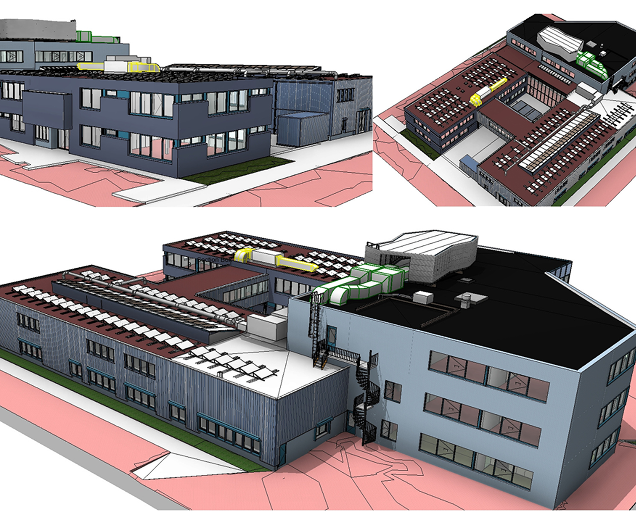
We turn your installation into a smart model
We transform captured data into accurate, intelligent BIM models that integrate geometry and technical information to support engineering projects, renovations, construction, and asset management.
What Is BIM Modeling, and How Is It Different from a Simple 3D Model?
BIM modeling transforms captured data from a building or facility into an intelligent digital model that integrates geometry with technical information. Each element contains valuable data to support design, construction, maintenance, and asset management throughout the asset’s lifecycle.
Unlike a conventional 3D model, a BIM model represents not only the geometry of each element but also all the information associated with it. This enables architects, engineers, and maintenance teams to work from a single, reliable, and up-to-date source of information throughout the entire lifecycle of the project.
Does any of these situations sound familiar?
You’re working from 15-year-old drawings, and no one knows whether they still reflect what’s actually there.
Each discipline works on its own model, and they've never been coordinated.
The client requests IFC deliverables at LOD 300, and you're not exactly sure what that includes.
BIM modeling: what exactly do you receive
We transform the captured data into a BIM model that accurately represents the current condition of the building or facility. Each element includes its geometry and the technical information required to support project development
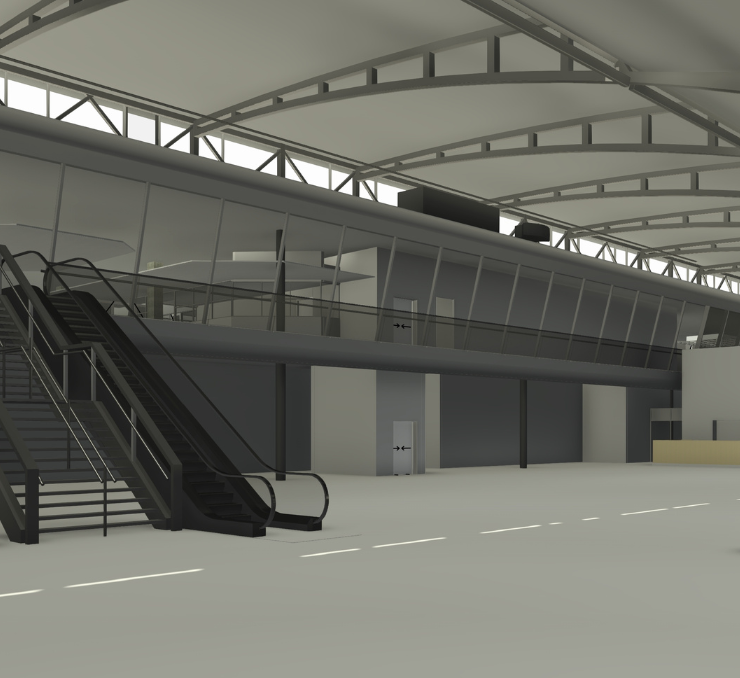
We adapt the model and documentation to the specific requirements of each project, so you can seamlessly integrate them into your workflows.
The model is developed and delivered with the appropriate level of detail and in the most suitable format for its intended use, whether for renovation, new construction, maintenance, or asset management.
Frequently asked questions
Tell us the approximate dimensions and what you're going to use the data for. We'll tell you which technology fits.
ContactYes. If you have CAD drawings, PDF documentation, or any other type of technical documentation for the building, we can use it as the basis for the BIM model. In many projects, we combine multiple sources: point clouds for the as-built geometry and existing drawings for the technical information about the building systems.
When the existing documentation contains inaccuracies or is outdated—which is common in buildings that have undergone renovations—we clearly identify these issues in the modeling report so your team can take them into account
The required Level of Development (LOD) depends on the intended use of the model. At Grupo BIMnD, we help you determine the most appropriate LOD for your project, ensuring the model includes only the information needed to meet your project objectives.
It depends on the requirements of your project. In addition to geometry, the model can include technical information about its various elements, making it easier to access, maintain, and manage.
We tailor the level of information to ensure the model remains genuinely useful throughout the entire lifecycle of the asset.
The project timeline depends on the size, complexity, and required level of detail of the project. After reviewing the available information and understanding the client’s objectives, we define a delivery schedule tailored to the specific requirements of each project.
Do you have drawings, a point cloud, or documentation for a building or facility?
Tell us what documentation you have, and we'll assess the best solution for your project.
