
Digital Asset Inventory

Everything you have, where it is, and what condition it's in.
We create a digital inventory of the assets in your building or facility, organizing all relevant information in a single, accessible environment.
Equipment, systems, and building elements linked to their technical data, documentation, and location, making management, operations, and maintenance easier.
What is a digital asset inventory and how does it work in practice?
A digital asset inventory provides organized and up-to-date information about the elements that make up a building or facility. Equipment, systems, and building elements are linked to their documentation,technical data, and location, making information easier to access and supporting effective asset management throughout the asset lifecycle.The result is a single source of information that helps improve operations, maintenance, and decision-making.
The inventory can be connected directly to your existing CMMS: SAP PM, IBM Maximo, Ultimo, and others. Information is not duplicated—it flows seamlessly between the model and your maintenance system.
Want to improve the control and management of your assets?
Locating the documentation or information for a specific piece of equipment takes too much time.
You don’t have an up-to-date inventory that brings together all the information about your equipment and facilities.
Digital Asset Inventory: What It Includes and How It Works in Practice
The digital asset inventory brings together all the information associated with equipment, facilities, and building elements in a single environment, making it easy to access documentation, technical specifications, and relevant data for effective management.
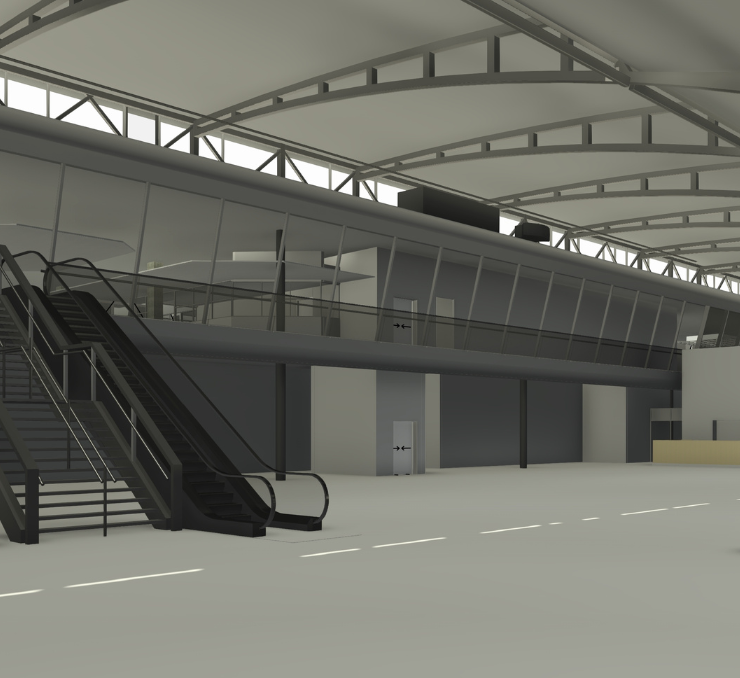
When you need to access information about a piece of equipment or a facility, you can quickly find all its associated data: technical documentation, manufacturer, model, installation date, maintenance history, or any other information relevant to its management. This way, all the information is organized and accessible from a single environment, making operation and maintenance tasks easier and more efficient.
The digital asset inventory can be integrated with the management and maintenance systems already in place within the organization, allowing different teams to work from a shared, up-to-date source of information and improving coordination in asset management.
Frequently asked questions
Can’t find the answer you’re looking for? Get in touch with us and we’ll be happy to help.
ContactNo. A digital asset inventory can be developed using the documentation available at any given time and supplemented through information-gathering and verification activities. The goal is to have a reliable database of the assets within the building or facility.
Yes. The digital asset inventory is especially useful in operational buildings and facilities, as it allows existing information to be organized and improves asset management, access to documentation, and equipment monitoring.
These types of solutions are used by maintenance managers, asset managers, operations teams, and organizations that need structured and up-to-date information for building and facility management.
Yes. The inventory can be kept up to date as new equipment is added, replacements are made, or installations are modified. This helps maintain reliable information throughout the asset lifecycle.
Do you manage a building or facility without a reliable inventory?
Tell us how many assets you have and what maintenance system you use.
